

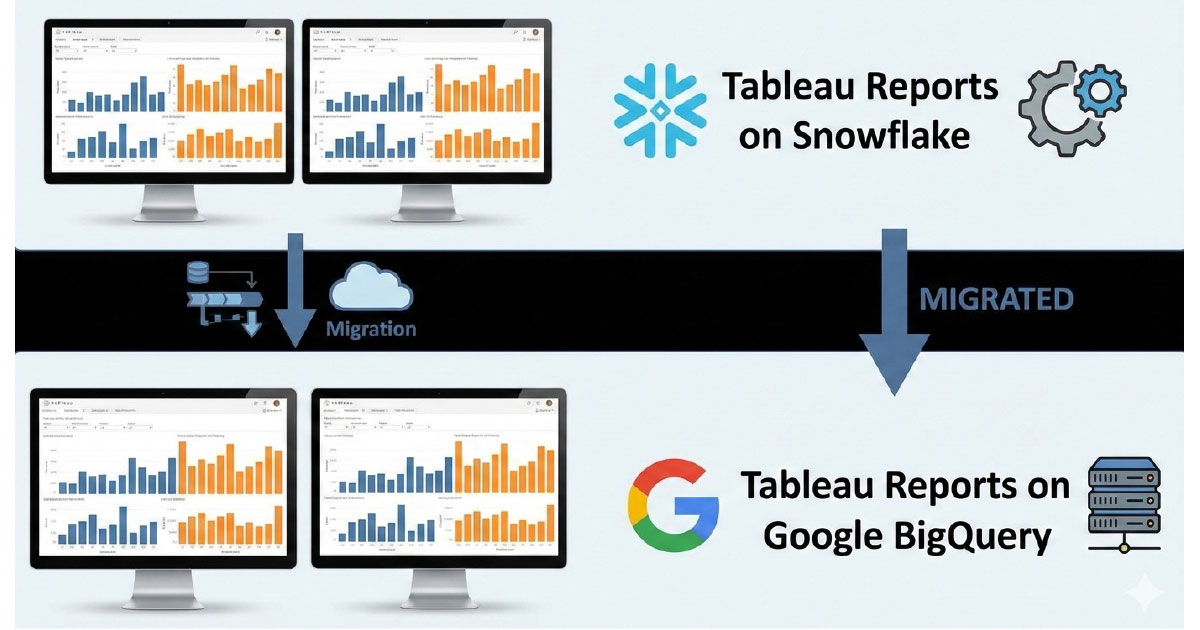
These are some of the main points that we would like to present.
1. How we did the migration
A Tableau consultant created a program that would automatically refresh the connection of the database in the report files.
- Scripting the Connection: Since Tableau reports consist of XML files, the script would just inject the parameters of the connection with the database. It would replace snowflake details with those of Google BigQuery.
- Preparation: That script saved us some time, but we needed a lot of preparation before we could get going.
2. Using Agile Data Engine (ADE)
Agile Data Engine was one of the most important tool of the migration.
- Custom Instances: We created our own instance of ADE that enabled us to alter SQL code in such a way that it would run on BigQuery.
- Recreation: With ADE, it was possible to recreate all Snowflake data vaults, tables, and views in BigQuery successfully.
3. Challenges we ran into
During the process, we encountered several technical hurdles:
- Snowflake and BigQuery Differences: BigQuery does not support certain functions provided by Snowflake, such as the median function. This implied that we would no longer be able to use live connections in Tableau, but instead use extracts, since not all the functions were supported in BigQuery.
- Column Name Cases: Snowflake will display column names in uppercase, whereas the ones in BigQuery will be in lowercase. This might be an ADE-specific feature, though. We also noticed that Tableau tried to fix XML automatically and might mess up the reference if the column names do not match.
- Partitioning and Clustering: This is automatically configured in Snowflake, but had to be manually configured in BigQuery. This involved a modification in the way we were writing some queries.
4. Hints on working with dates, data types, and SQL
We gathered several specific technical insights regarding data handling:
- Date filters: We have preferred not to use relative date filters but instead something such as date >= DATEADD(year, -1, TODAY()). This stabilised the queries.
- Data type corrections: We had to correct certain data types with the help of the TDC files on the one hand, so that everything could be similar in the two systems.
- Tables vs. views: Preferably, tables are more appropriate than views. Queries that had been successful on Snowflake views were not successful on BigQuery views. The Tableau JDBC connector might be the primary reason for this.
- Custom SQL problems: Some custom SQL code needed to be rewritten, and special characters were a problem in some cases. Additionally, if the Tableau report had two different connections, the script we were using won’t work, and we had to check it again and correct it after running.
5. Review of the Tableau reports
- Validation: Validating every Tableau report was cumbersome since business users had to ensure that everything was working well. It was necessary as only business users would identify active or essential content and what could be archived.
- Extracts: The data extracts also had to be refreshed manually because this was not automated by the migration tool.
6. How we got past the problems
We had to cope with a great many roadblocks, but we stuck with it.
- Collaboration: We collaborated with Tableau and Google consultants to debug and get things rolling.
- Team dynamics: Our success was largely tied to teamwork.
Final thoughts
The migration experience has been a lot, and now we are experienced in moving more than 1,500 running reports. Migration of this nature isn’t without its difficulties, but when equipped with the right tools, planning and teamwork, you can make it.
And thanks for your support in writing this post, Juha Suhonen and V-P Vihonen.